

How to Check Your Google Ranking in 5 Minutes
Sections
To check your Google ranking, you have a few solid options.To check your Google ranking, you have a few solid options. You can dive into Google Search Console for the most accurate data straight from the source, do a quick manual search in an incognito window for a spot-check, or use a third-party SEO tool to automate the whole process. Each approach gives you a different piece of the puzzle.
#Why Tracking Your Google Rank Is Non-Negotiable
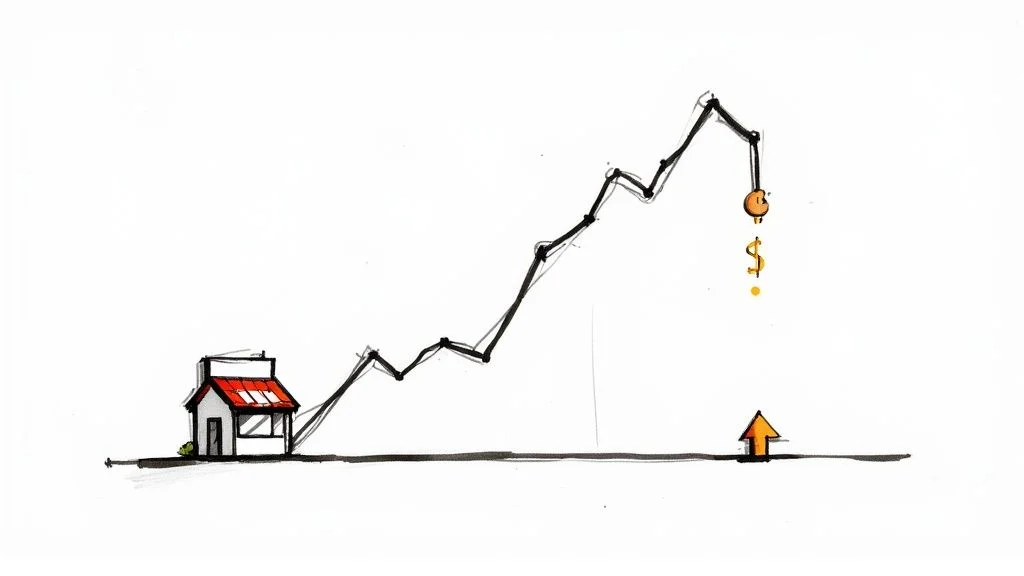
Before we get into the “how,” let’s talk about the “why.” Knowing where your site stands on Google isn’t about bragging rights - it’s a core business metric that directly hits your bottom line. It’s the clearest, most honest signal of your SEO strategy’s health and your website’s overall visibility.
Think of it as a regular health check for your online presence. If you’re not keeping an eye on your rankings, you’re essentially flying blind. You have no idea if that new content is actually working, if a competitor just quietly stole your top spot for a money-making keyword, or if a surprise Google algorithm update just tanked your traffic.
#The Real Cost of a Single Position Drop
It’s easy to think a small drop from one position to the next isn’t a big deal, but the effect on your traffic is massive. The top organic result on Google gets the lion’s share of clicks, no question. In fact, the #1 position grabs an average click-through rate (CTR) of 39.8%.
But here’s the kicker: slipping just one spot to position #2 cuts that CTR down to 18.7%. That’s more than half your potential traffic gone, just like that. This really shows how high the stakes are in the game of search visibility. You can dig deeper into how CTR trends impact traffic to see the full picture.
Here’s a quick breakdown of just how much position matters:
#Google Ranking vs. Click-Through Rate (CTR)
This table gives a clear overview of how your ranking position directly influences the percentage of users who will actually click through to your site.
| Google Ranking Position | Average Click-Through Rate (CTR) |
|---|---|
| **#1** | **39.8%** |
| **#2** | **18.7%** |
| **#3** | **10.2%** |
| **#4** | **7.2%** |
| **#5** | **5.1%** |
| **#6** | **4.0%** |
| **#7** | **3.2%** |
| **#8** | **2.6%** |
| **#9** | **2.2%** |
| **#10** | **1.8%** |
As you can see, the drop-off is steep. By the time you get to the bottom of the first page, the click-through rates are tiny. This is why every single position counts.
Key Takeaway: Every ranking position you lose directly translates to lost traffic. Consistently tracking your rank allows you to react quickly to drops and protect your primary source of organic leads.
When it comes down to it, keeping a close watch on your Google rank helps you:
-
Find and Fix SEO Problems: Quickly spot underperforming pages and keywords that need some love.
-
Discover New Opportunities: Find keywords you’re just starting to rank for and can build on to win big.
-
Measure Your SEO Impact: Connect ranking improvements to specific actions, proving the value of your SEO work.
In short, it’s your command center for making smart decisions that lead to real, sustainable growth.
#Using Google Search Console for Accurate Insights
If you want to know how your site is really doing on Google, forget the guesswork. Your first and best stop should always be Google Search Console (GSC). It’s a free tool that gives you raw, unfiltered data straight from the source. There’s simply no more reliable way to see what’s actually happening.
Unlike third-party tools that often estimate your rankings, GSC shows you the real average position for every single keyword your site shows up for. This is the metric that truly matters because it accounts for performance across different locations and devices, cutting through the noise and personalization you get from just searching for yourself.
#Navigating the Performance Report
The heart and soul of GSC is the “Performance” report. This is your command center for understanding search visibility. At a glance, you can track total clicks, impressions, average click-through rate (CTR), and that all-important average position.
Here’s a look at the main dashboard where all these key metrics are laid out.
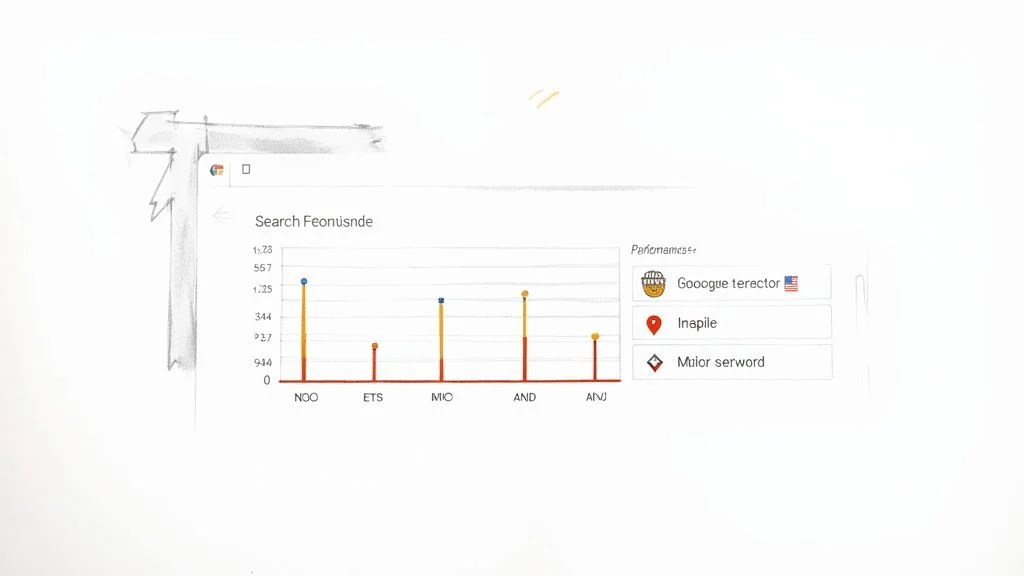
This high-level view is great for spotting trends and seeing if your SEO work is paying off. But the real magic happens when you start filtering the data.
Let’s say a local bakery wants to see how they’re ranking. They could filter by country to check their position for “gluten-free cupcakes” in the United States versus Canada. Or they could filter by page to see if their wedding cake landing page is outperforming their birthday cake page.
This is the kind of detail that turns data into action. For a much deeper dive, our guide on how to use Google Search Console is packed with more advanced tips.
Pro Tip: Keep an eye out for what I call “striking distance” keywords. These are terms where you’re ranking somewhere between 11 and 20. A simple content refresh or adding a few internal links can often be enough to bump these onto the first page, which can lead to a huge jump in traffic.
By making a habit of checking your Performance report, you can start to:
-
Pinpoint your top-performing pages and queries that are already bringing in the most traffic.
-
Find pages with a low CTR - these are ranking well but need more compelling titles or meta descriptions to earn the click.
-
Track keyword movement after you make a change to see if your strategy actually worked.
GSC isn’t just a rank checker; it’s a playbook for making smarter, data-backed SEO decisions.
#How to Do a Manual Spot-Check the Right Way

Sometimes you just need a quick, no-nonsense answer about where your site is ranking right now. A quick Google search seems like the obvious move, but it’s almost guaranteed to give you a skewed result. Why? Because your browser is a little too helpful. It knows your search history, your physical location, and what you’ve clicked on before, serving up personalized results that your actual customers will never see.
To get a more honest snapshot of your real ranking, you need to strip away all that personalization. The easiest way to do this is by firing up your browser’s incognito or private mode. This simple step stops Google from using your past browsing activity to influence what you see.
#Getting a More Accurate Manual Check
Even when you’re in incognito mode, Google still knows where you are and uses that location to tailor the search results. This is a problem if you’re trying to reach a national or even an international audience.
To get a truer picture, you need to make Google think you’re somewhere else. You can do this by adjusting your browser’s search settings to a different region or, for a more robust solution, using a VPN to change your virtual location entirely. Another slick trick is to perform a site-specific search. If you want to get really good at this, check out our complete Google search operators cheat sheet to master these kinds of advanced queries.
Keep in mind, a manual check is just a snapshot in time. It’s useful for a quick gut check, but it offers zero historical data. It tells you where you are today, but not how you got there or where you’re headed.
#The Inherent Flaws of Manual Checks
Manual spot-checking has its place, but it’s crucial to understand where it falls short. Put simply, this method just doesn’t scale.
-
It’s a Time Sink: Manually searching for dozens of keywords is wildly impractical and inefficient.
-
No Historical Context: You can’t spot trends, track progress over time, or really see the impact of your SEO work.
-
Location Bias Lingers: Even with the tricks mentioned above, getting a completely neutral, unbiased search result can be a real headache.
For any kind of consistent, reliable tracking, a manual check just can’t hold a candle to the data-driven insights you get from Google Search Console or dedicated rank tracking tools.
#When to Use Advanced SEO Rank Trackers
Look, manual checks and Google Search Console are great starting points. They give you a quick snapshot and some foundational data. But there’s a ceiling to what they can do.
If you’re juggling multiple clients, tracking hundreds (or thousands) of keywords, or if the C-suite is asking you to prove the direct ROI of your SEO budget, it’s time to bring in the heavy hitters. This is when dedicated, advanced SEO rank trackers stop being a luxury and become an absolute necessity.
Platforms like Semrush or Ahrefs automate the entire grueling process. You get daily, unbiased updates on your keyword positions, which immediately eliminates the location and browser history bias that makes manual searches so unreliable. This constant stream of clean data lets you step back and see the real strategic picture, saving you countless hours in the process.
#Gaining Deeper Strategic Insights
These advanced trackers do way more than just spit out numbers - they connect the dots for you.
Imagine you just rolled out a massive cornerstone blog post and spent weeks building high-quality backlinks to it. A dedicated tool will show you the exact ranking shifts for its target keywords in the days and weeks that follow. No guesswork.
This level of detail is how you understand cause and effect in SEO. We know the #1 search result gets about 3.8 times more backlinks on average than the results in positions #2 through #10. A good rank tracker lets you monitor these correlations in real-time. And with over 60% of U.S. searches now happening on mobile, you need to track desktop and mobile rankings separately. These tools make that easy.
Key Takeaway: Advanced rank trackers transform rank tracking from a simple reporting task into a powerful diagnostic tool. They help you definitively answer the question, “Did our SEO work actually move the needle?”
#Competitive Analysis and Proving ROI
It’s not just about your own site. The real magic happens when you turn these platforms on your competition. You can get an inside look at their keyword strategy, pinpoint where they’re gaining or losing ground, and spot opportunities they’ve completely missed.
This is where the game changes. You can:
-
Benchmark Against Rivals: Track your rank head-to-head against your top competitors for your most valuable “money” keywords.
-
Analyze Historical Data: Go back months or even years to spot long-term trends and seasonal patterns you’d otherwise miss.
-
Automate Your Reporting: Generate clean, professional reports that clearly show progress to stakeholders or clients, finally proving the value of your work.
If you’re curious about the tech that makes this possible, it’s all powered by a process called SERP scraping. Ultimately, these tools provide the robust, scalable data you need to run a serious, results-driven SEO campaign.
#Comparison of Rank Tracking Methods
Choosing the right method depends entirely on your needs, budget, and the scale of your project. Here’s a quick breakdown to help you decide what’s best for you.
| Method | Accuracy | Cost | Key Feature |
|---|---|---|---|
| **Manual Spot-Checks** | Low | Free | Quick, immediate snapshot for a single keyword. |
| **Google Search Console** | Medium | Free | Provides average position data directly from Google. |
| **Advanced SEO Tools** | High | Paid | Daily, automated tracking with competitor analysis. |
While free tools offer a great starting point, serious SEO campaigns that require consistent data, competitive insights, and clear ROI reporting will always benefit from a dedicated, advanced rank tracker.
#Mastering Local SEO Rank Tracking
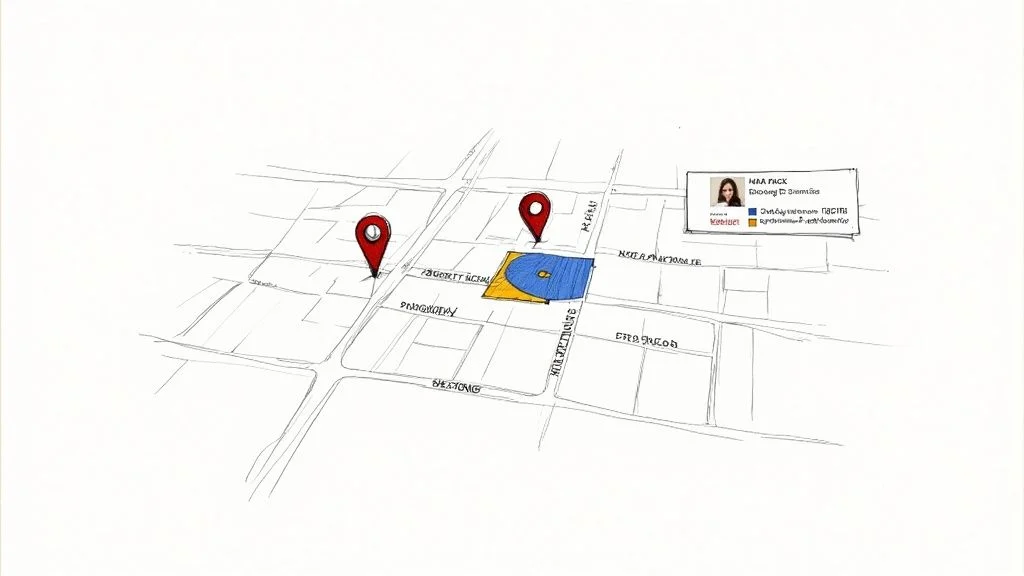
If you have a brick-and-mortar store or serve a specific area, checking your Google rankings is a whole different ballgame. It’s not just about broad keywords; it’s about owning the local search results and landing in that coveted Google Map Pack. That’s where your real-world foot traffic comes from.
The biggest hurdle? Local search results are hyper-personalized. A customer looking for “pizza near me” just two miles away will see something completely different from someone searching across town. This makes popping open an incognito window to check your rank a pretty useless exercise for gauging your true local visibility.
#Tracking with Local Intent
To get an accurate picture, you need to think like a local customer and zero in on keywords with local intent. Don’t just track your main service; add the geo-modifiers people actually type into their phones.
-
Service + City: “best brunch in Austin”
-
Service + Neighborhood: “emergency plumber downtown”
-
“Near Me” Variations: You’ll need specialized tools for this one, as they can simulate searches from specific zip codes or even street addresses.
Adopting this targeted approach lets you see your rankings exactly as a potential customer would. If you’re just getting started on this journey, our local SEO checklist is a great place to build your foundation.
#Leveraging Your Google Business Profile
Think of your Google Business Profile (GBP) as a goldmine for local ranking data. Dive into the “Performance” section (formerly “Insights”) and you’ll find the exact search terms customers used to find your listing. This is fantastic for seeing what’s working and uncovering new keyword opportunities you might have overlooked.
Local search is a powerhouse - a staggering 46% of all Google searches have local intent. And consider the explosion of “near me” queries, which have skyrocketed by over 900% in recent years. It’s impossible to ignore how critical this is.
To truly dominate your service area, you can’t just track rankings. You have to understand the specific strategies for how to rank higher on Google Maps. It’s an essential piece of the local SEO puzzle.
#Common Questions About Google Rankings
Even with the best tools in your arsenal, checking your Google rankings can feel a bit murky sometimes. A few common questions always seem to pop up, so let’s clear the air. Getting these answers right will help you read your data confidently and stop you from making knee-jerk decisions based on bad info.
#How Often Should I Check My Rankings?
The honest answer? It depends on your goals. For your most valuable, high-intent keywords - the ones that are pure money-makers - a weekly check-in is perfect. This rhythm helps you spot real trends and react to what your competitors are doing without getting bogged down by the usual daily ups and downs.
For your bigger list of secondary or long-tail keywords, checking in every two weeks or even once a month is more than enough. While many tools will tempt you with daily updates, your actual strategy should be based on the big picture, not momentary blips on the radar.
Key Insight: Obsessively checking your rankings every day is a one-way ticket to SEO anxiety and making changes you’ll regret. Focus on steady, long-term trends to make smart decisions.
#Why Does My Rank Look Different When I Search for It Myself?
You’ve definitely seen this before. Your rank tracker says you’re sitting at #5, but when you type the keyword into Google, you see your site shining at #2. What gives? This happens because Google serves up highly personalized results. It knows your search history, where you are physically located, and even what device you’re on.
What you’re seeing is a result tailored just for you, not what a brand-new customer would see. For a truly objective view, you have to use an incognito browser window. Even better, just trust a good rank tracking tool that lets you set a specific, neutral search location. That’s the only way to completely eliminate the bias.
And what if you see a sudden, scary drop in rankings? First, don’t panic. Give it a few days to see if it was just a temporary glitch or one of Google’s little algorithm tests. Next, pop into Google Search Console to check for any manual penalties or security warnings. Finally, do a quick search for recent Google algorithm updates and see what the sites now outranking you are doing differently. This step-by-step approach will almost always point you to the root cause.
Ready to stop guessing and start tracking your rankings with precision? Rankdigger connects directly to your Google Search Console data to provide clear, actionable insights and help you dominate the SERPs. Start your journey to the top of Google today.